Velkommen, Gæst
Min konto
The Messaging system allows fast information exchange between users. Whether you contact the admins about site issues or query sellers about products, you can get help with one click.
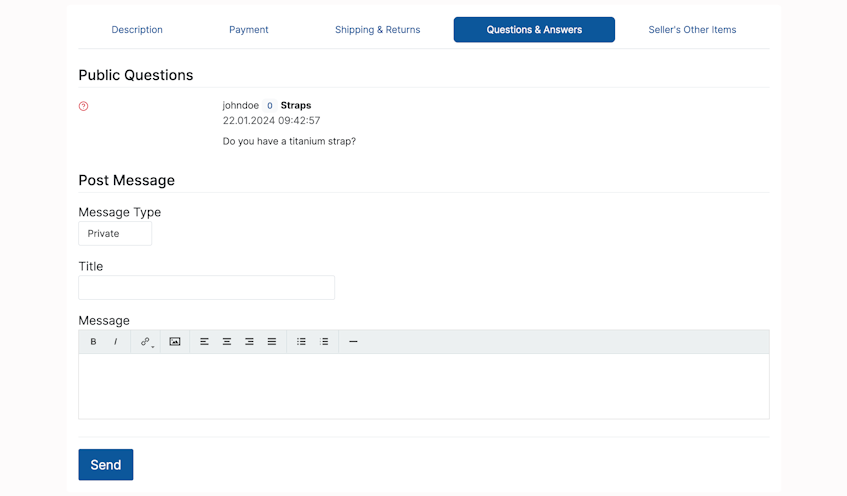
Buyers can contact sellers before purchasing items. In the item description page, find (scroll down the page) the Questions & Answers menu.
Questions & Answers features:
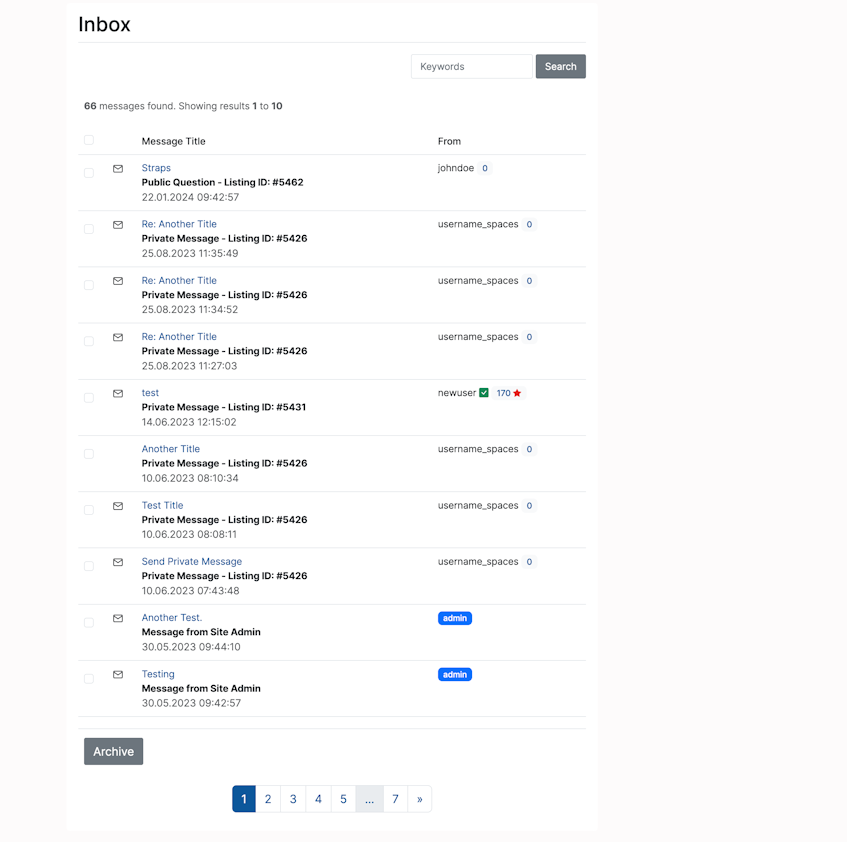
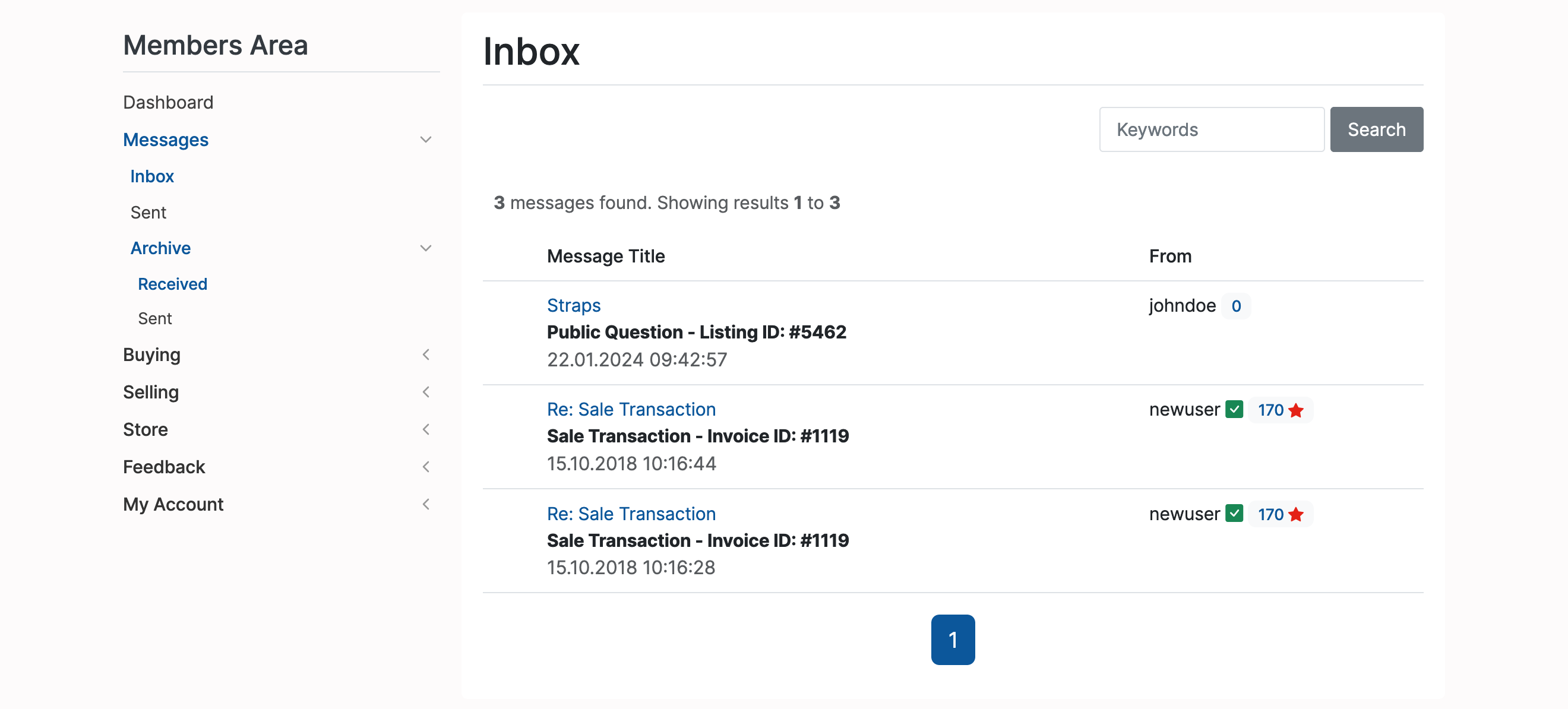
Read private messages from the Inbox (Home -> Members Area -> Messages -> Inbox):
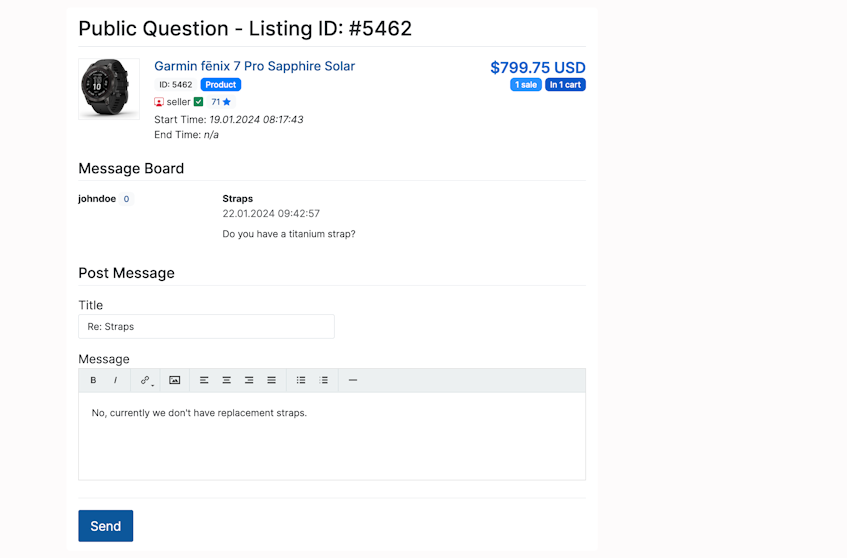
Open message and reply:
Archive messages for future reference. They will be automatically displayed in the Archive(Home -> Members Area -> Messages -> Archive ) section.
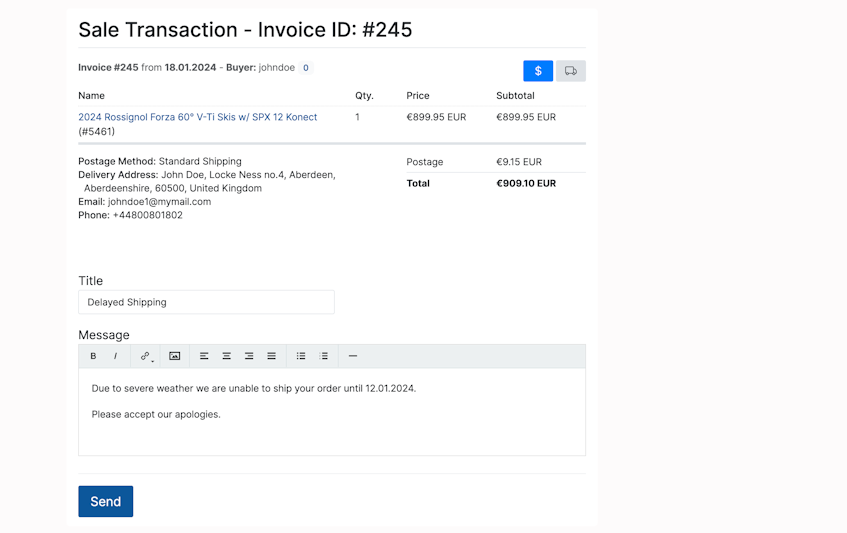
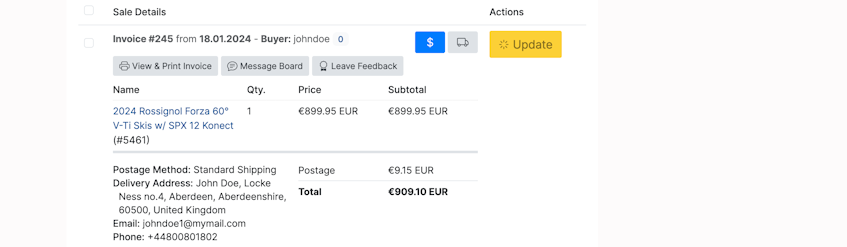
Even after completing a transaction, sellers (or buyers) can send updates or follow-up questions from the My Sales (Home -> Members Area -> Selling -> My Sales) menu. Select an invoice and open the Message Board:
Send a message: